To find the right Consumables for your Printer use the search below with your Printer Model or Cartridge Part # .
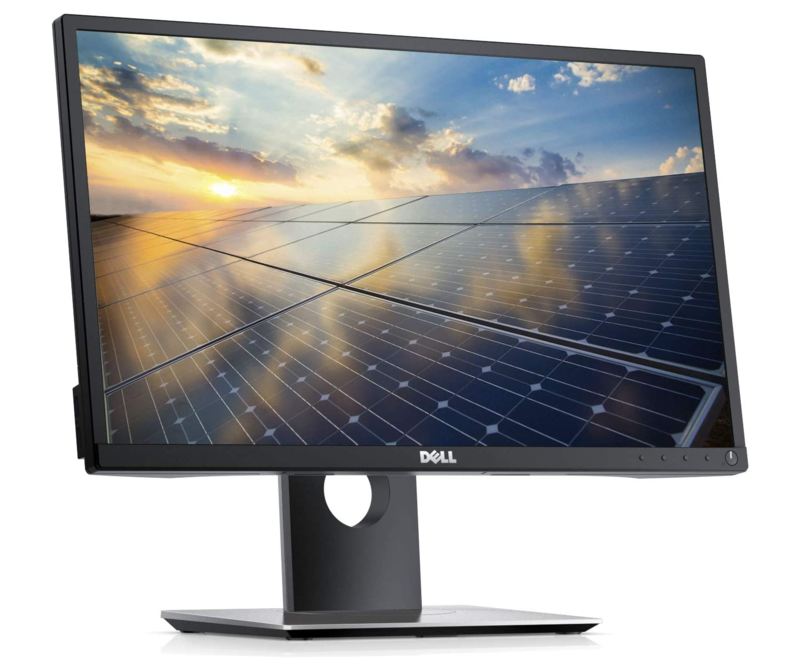
 Click image for larger image.
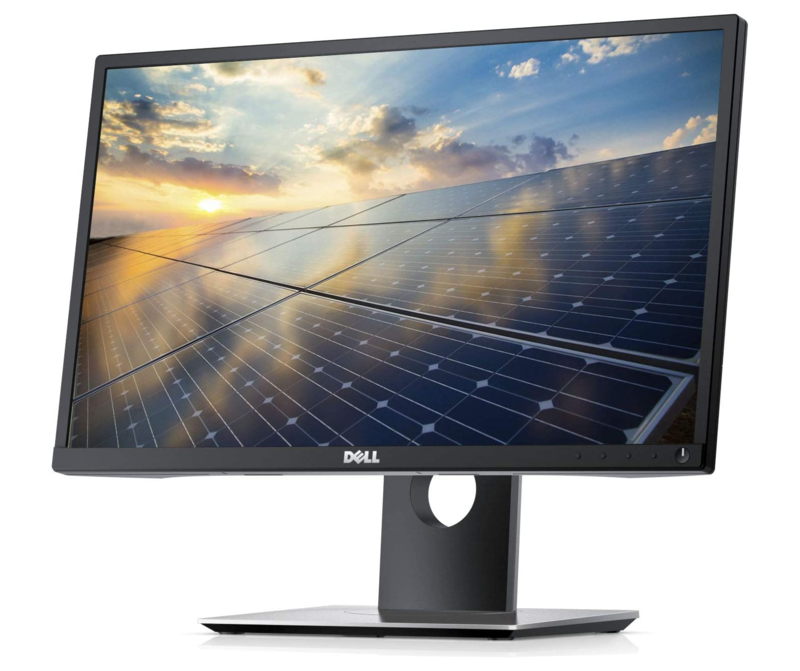
Screen Size
21.5 inch
Resolution
FHD (1920 x 1080)
Panel Type
IPS
Video Ports
HDMI, DisplayPort, VGA
Position Adjustments
Height, Pivot, Swivel, Tilt
Easier on the eyes
Reduce blue light emissions and shift colours to a warmer spectrum with Dell ComfortVIew.
IPS panel
Enables ultra-wide viewing angles without distorting colours, making them ideal for shared viewing and everyday use.
Multiple ways to display
Connects to any laptop, desktop or docking station with HDMI, DisplayPort and VGA.
Extensive connectivity
Connect multiple accessories with four built-in USB ports, including two on the side for quick access.
Personalised viewing
Tilt, swivel, pivot and adjust the height of your monitor for comfortable viewing throughout the day.
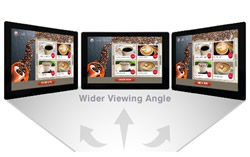
Make the most of In-Plane Switching (IPS) technology in the display panel to get faster response times, wider viewing angles, better color reproduction and sunlight visibility, and a longer lifespan.

The smallest of the modern widescreen monitor sizes, a 22" monitor is perfect if you want something substantially larger than a laptop screen but have limited space or are working with a tight budget. 22" monitors are good for a dual screen setup in tight spaces as anything larger than 24" requires considerably more neck movement.

Maximise your screen space without compromising your work space. With a borderless/bezeless screen, there's no bulky plastic getting in the way of a seamless viewing experience (especially if using multiple monitors, you'll glide from one screen to the next). A thin bezel increases the screen size without increasing the size of the unit itself!

Strike the right balance between physical space and screen real estate with 16:9 aspect ratio, the most widely used across widescreen monitors.

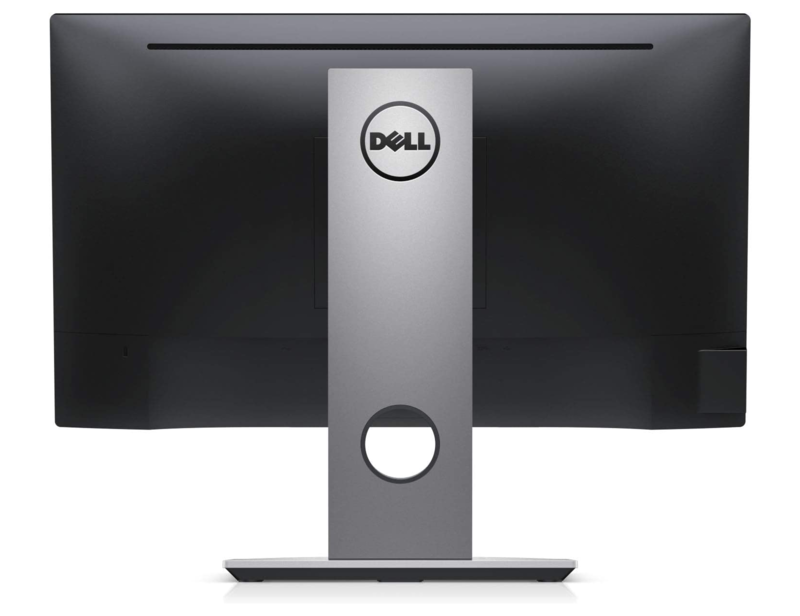
Get the vertical viewing experience with a 90 degree pivot. Portrait mode is perfect for tasks like reading PDFs or following team conversation threads, allowing you to boost your productivity through a better visual focus in work, study, and creative environments.

Set up your monitor at the perfect viewing angle with a tiltable stand.

Take advantage of the clarify from digital video signal input with the tried and trusted DVI interface.
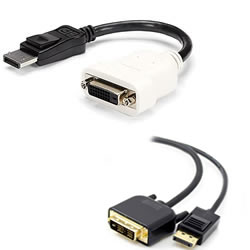
Consider an inexpensive DP-to-DVI Adapter or HDMI-to-DVI Adapter to convert from a DisplayPort or HDMI output on your device.

Take advantage of the most commonly used media output interface in modern laptops and desktops with a direct HDMI input on the monitor. No adapters needed.
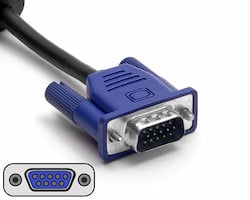
Take advantage of the widely used VGA video input interface for connecting to a multitude of devices from servers, to desktops, laptops and KVM switches.

Take advantage of the most commonly used media output interface in modern business grade laptops and desktops with a direct Display Port input on the monitor.

Why pay more for new when you can go refurbished and save? With savings of up to 70% on Laptops, Desktops, Servers, Networking and even Apple you would be crazy to think twice. With no significant advances in computer technology in the last 3-5 years there's never been a better time to save by buying refurbished.
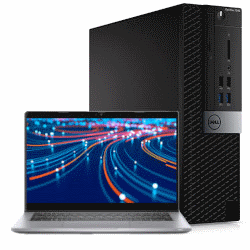
All refurbished units we sell are rigorously tested and cleaned to ensure they are in A-Grade condition and are ready to use straight out of the box. Although some units may have some minor cosmetic blemishes and imperfections such as minor scratches or other minor surface imperfections they have all been tested and are guaranteed to work like new.

We stand by our products and back any refurbished equipment we sell with a 12-Month Warranty (unless otherwise specified). Our warranty covers any hardware faults that may arise within this period.
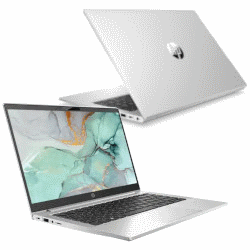
All refurbished units we sell are from the tough commercial grade product lines from the leading manufacturers including Dell, HP and Lenovo. When sold new these units have premium pricing reflectively of their superior build quality.
Most refurbished units we sell come from large enterprise and government departments and have had a good life and have been well looked after. Due to this, the longevity of a refurbished commercial units is often higher than that of consumer grade equipment.
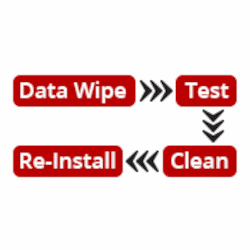
All our refurbished products undergo a rigorous quality assurance procedure. This involves the units being wiped of sensitive data, tested, cleaned and re- installed with a fresh genuine copy of the operating system to match the attached Microsoft Certificate of Authenticity (COA). This ensures that the unit you receive is ready to plug in, turn on and use straight out of the box.
We are a Microsoft Registered Refurbisher so you can have peace of mind that any refurbished unit you purchase from us will meet your expectations and be up to the task.
| Model | P2217H |
| Screen Size | 21.5" |
| Panel | IPS |
| Resolution | 1920 x 1080 |
| Aspect Ratio | 16:9 |
| Refresh Rate | 60 Hz |
| Response Time | 6 ms |
| Brightness | 250 nits (Typ.) |
| Contrast Ratio |
1000:1 (Typ.) 4M:1 (Dynamic) |
| Viewing Angle |
178° (Vertical) 178° (Horizontal) |
| Colour Depth | 16.7 million |
| Ports |
Video 1 x DisplayPort 1 x HDMI 1 x VGA USB 1 x USB 3.0 upstream 2 x USB 3.0 downstream (Side) 2 x USB 2.0 downstream (Bottom) |
| Speakers | No |
| VESA Mount | 100 x 100 mm |
| Adjustability |
Height Adjustable Yes (130 mm) Tilt Yes (-5° to 21°) Swivel Yes (-45° to 45°) Pivot Yes |
| Dimensions |
With Stand 49.89 x 18.00 x 35.44 ~ 47.78 cm (W x D x H ~ H) Without Stand 49.89 x 5.03 x 29.73 cm (W x D x H) |
| Weight |
With Stand 4.91 kg Without Stand 2.81 kg |
| What's Included |
Monitor with Stand Power cable DisplayPort cable |
| Condition | Refurbished |
| Warranty | 12 months |